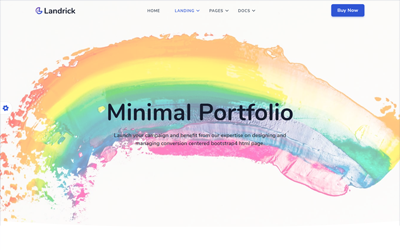
Present Your Work With Landrick Studio

Launch your campaign and benefit from our expertise on designing and managing conversion centered bootstrap v5 html page.


Work Process

Start working with Landrick that can provide everything you need to generate awareness, drive traffic, connect.

Automatic ticket creation

The system automatically creates tickets and assign them to a relevant agent or team based on your preferences.

Connection with CRM

Tickets are automatically assigned to a corresponding customer. You can access existing or create new tickets directly on their profiles.

Task scheduling

Create tasks for your team without leaving a ticket view page.

Performance reports

Create tasks for your team without leaving a ticket view page.

Multiple mailboxes

Automatically assign new tickets to the relevant team by linking an incoming mailbox for each department.

Smart notifications

Notify your administators and customers about ticket updates.

Canned replies

Save the replies to the answers that you send often and quickly reuse them.

Colision detection

See who else is working on a ticket or customer profile and get a warning before sending a message if another has already been sent.


Effortless ticket management

  • Create or review tickets directly from the customer's profile.
  • Assign inquiries to the relevant agent or team, change status
    or ticket type, prioritize the work or add a relevant note.
  • Create a task that requires a field visit or other service directly from the ticket.

Process incoming mailbox for every team

  • You can create separate incoming mailboxes for your sales, support, finance or engineering teams.
  • When a customer sends an email to one of your specified mailboxes - a ticket
    will automatically be created and assigned to the relevant team or agent based on the type and priority.

Aim for continous improvement

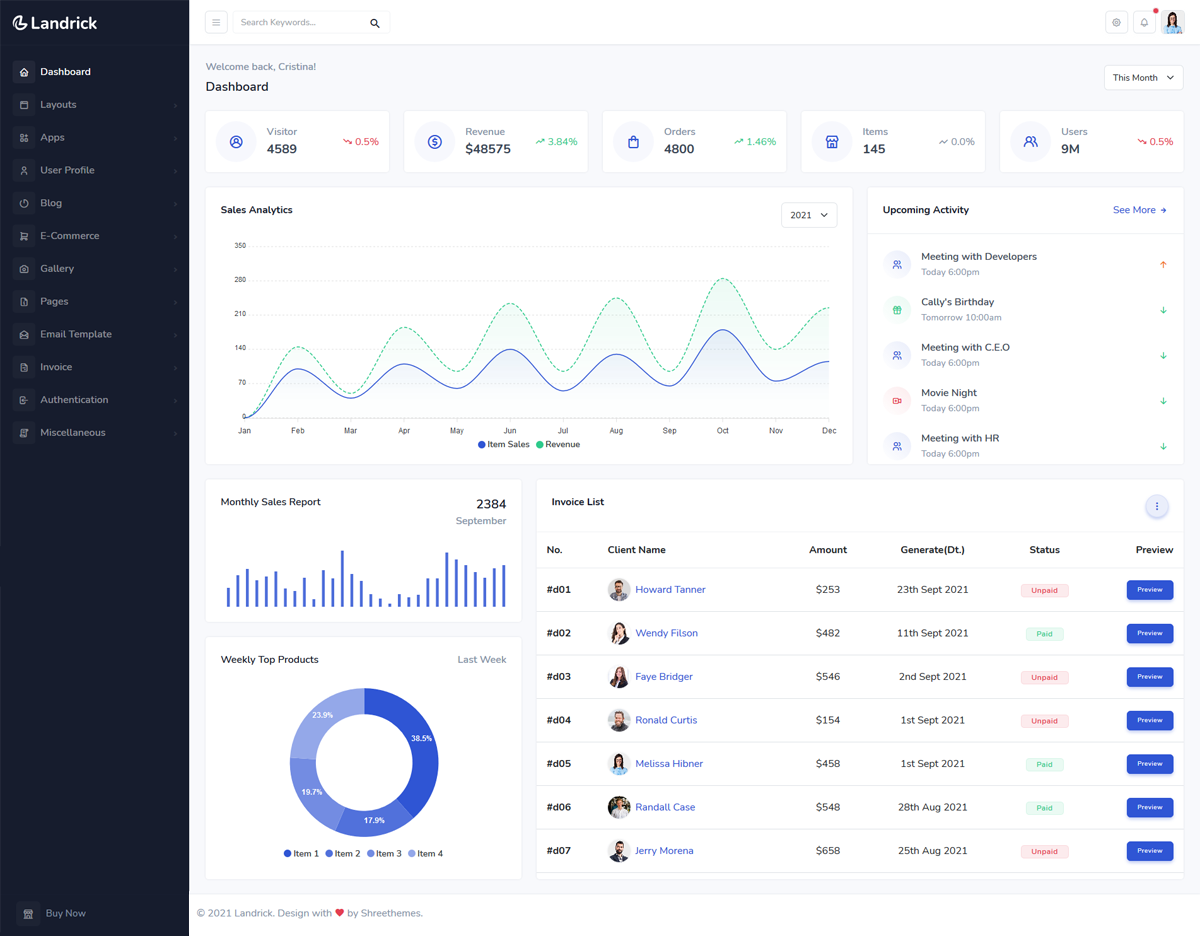
ISPGenius helps track the performance of your team and increase the level of customer satisfaction in your company


  • SLA report — track and understand the timing in the agent’s replies.
  • Agent performance — easily track how many tickets were assigned, reopened or resolved. Also see the total number of responses and averages of different metrics.
  • Performance distribustion report — track and analyze the response and ticket resolution time.

Ready to get started?

Login